FAQs
Can I get a Zoro discount code?
Yes, they often have voucher codes available and they can be found on MyVoucherCodes alongside all the other deals and offers Zoro have running currently.Do Zoro offer free delivery?
Yes, they offer free delivery on orders over £20. This delivery will typically arrive the next working day depending on location and the time the order was placed.What is the returns period for Zoro?
You’ll have 30 days to return the items. They’ll need to be unused. Unfortunately, delivery charges won’t be refunded but the cost of the product will. Information on returns can be found on the Zoro website.What payment options are there at Zoro?
You can use Visa, MasterCard, Maestro and PayPal. You can also use direct debit payments through American Express and other common payment methods.Zoro Hints & Tips
For tools and business essentials, you can’t go wrong with Zoro, so head over there and take advantage of these hints and tips to bag yourself a bargain:
- Save on the extra costs with the Zoro free delivery deal, giving you next-day delivery without spending an extra penny when you spend £20 on your order.
- Check out the Zoro loyalty programme, it’s a tiered discount programme where you can get up to 7.5% off based on how much you spend monthly at Zoro.
- Some of the biggest and best Zoro deals will be highlighted on the homepage, so it’s worth scrolling through for a tidy saving.
How to use your Zoro Discount Code?
- Using our site, find a discount voucher that fits the order you want to make. To unlock your voucher, click “Get Code”.
- In a second app, open the Zoro website and browse for your items. Alternatively, search for them directly using the search bar.
- Add all relevant items to your cart, ensuring they are eligible for discount.
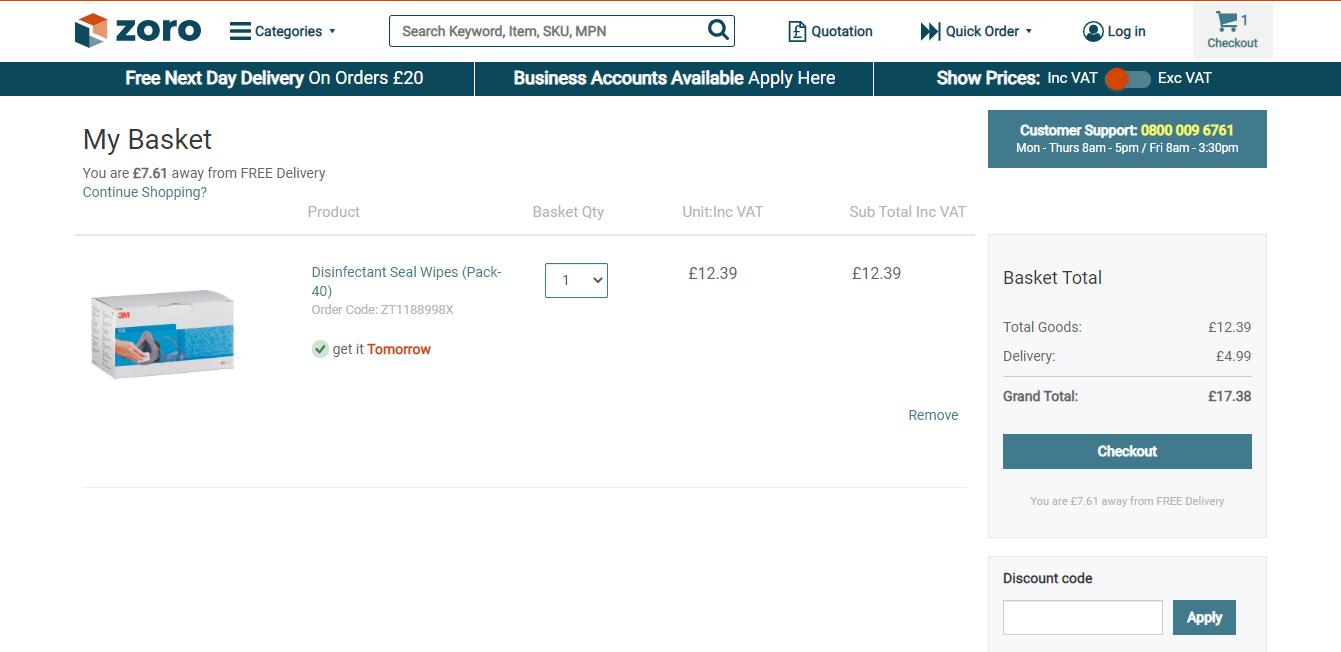
- Proceed to checkout and review your order. If happy, copy and paste your Zoro voucher code into the “Discount Code” box.
- Click “Apply” to complete the process and enjoy your discounted price!